A place on the map
Search for a lake, bay, harbour or mountain by name, or drag a box anywhere in the world. StrataBurn fetches the water depth and the lie of the land for that box and cuts it into layers.
Opening soon
For laser cutters that read SVG or DXF
StrataBurn turns a lake, a bay or a mountainside into a stack of layers you can cut, using real survey data for the place you picked. You get SVG and DXF files with one colour per layer, ready to open in LightBurn.
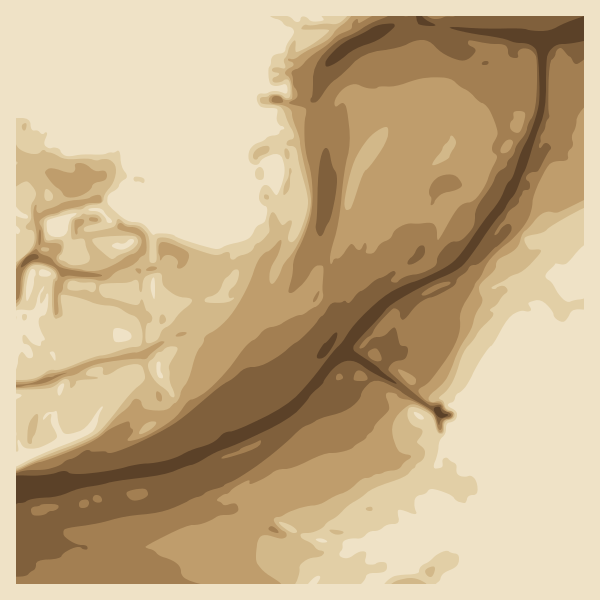
Search for a lake, bay, harbour or mountain by name, or drag a box anywhere in the world. StrataBurn fetches the water depth and the lie of the land for that box and cuts it into layers.
Already have a GeoTIFF from a survey, a drone flight or a county GIS site? Upload it and it goes through the same slicing, checks and export as a map.
Upload a PNG, JPG, WebP or BMP. StrataBurn splits it into layers by light and dark, traces each one into cut lines, and checks that the stack still looks like your picture.
Describe it, like a heron standing in reeds
, and pick a style: clean geometric
shapes, or an illustration that gets traced into layers. Choose square, landscape or
portrait to fit your sheet.
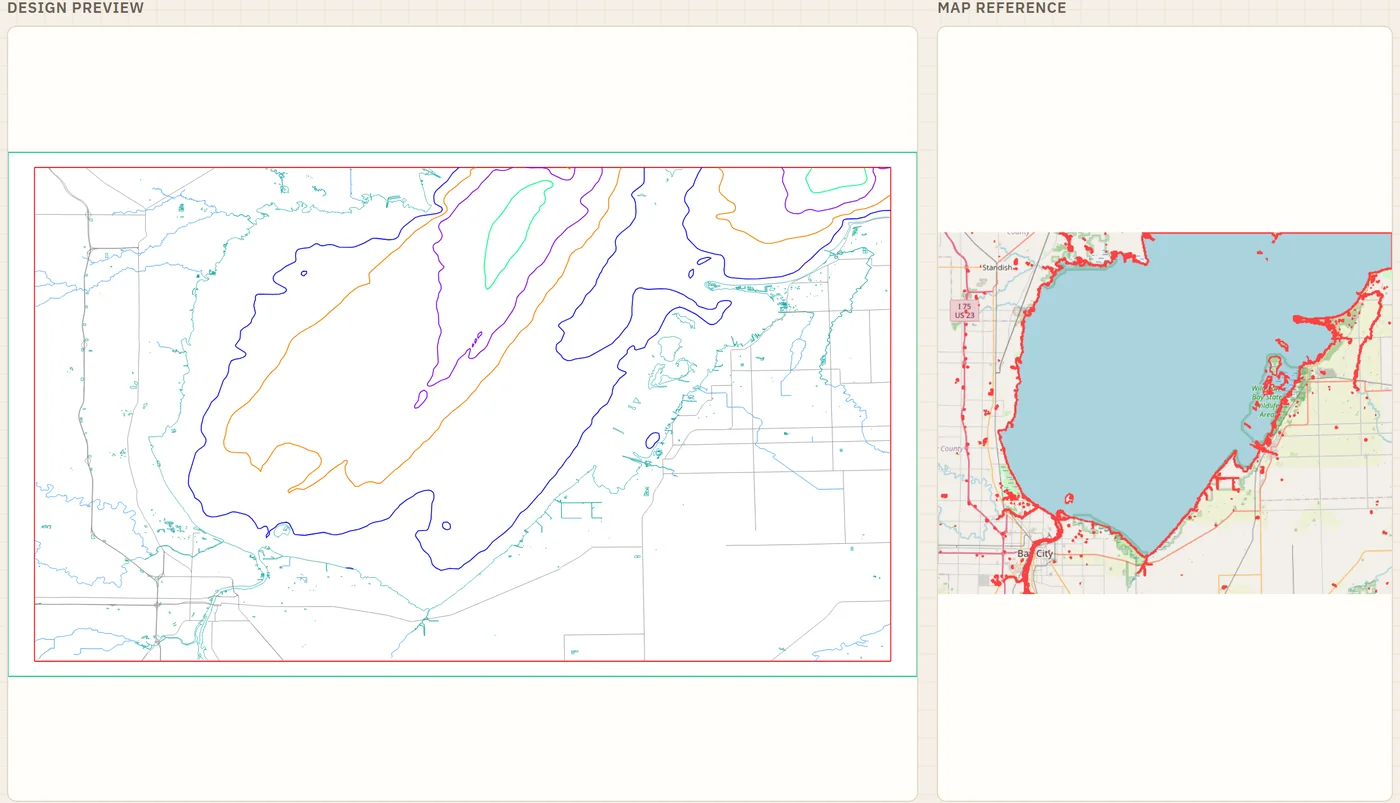
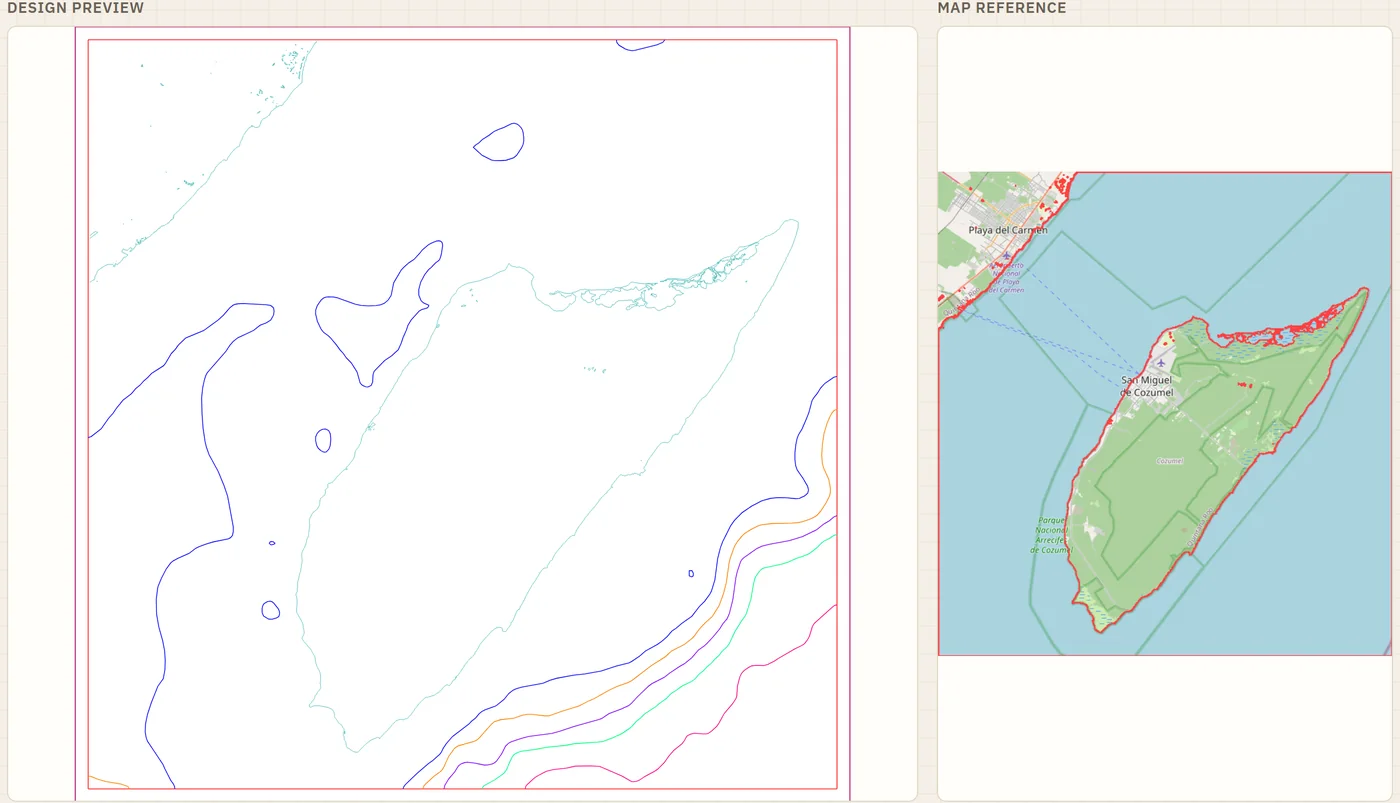
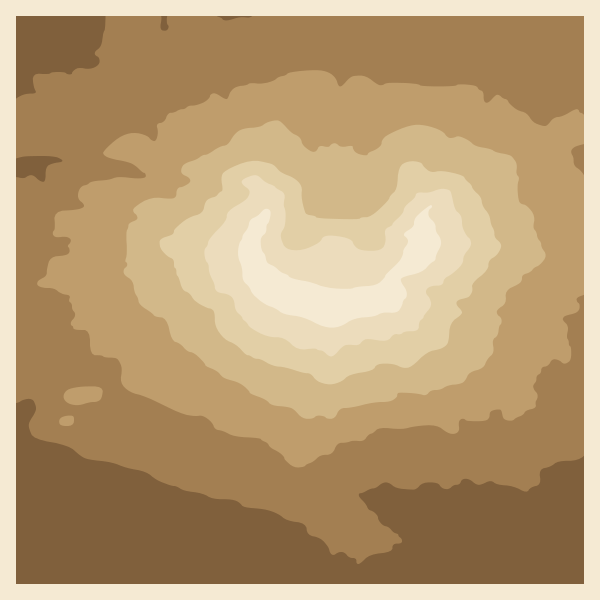
Water depth, the shape of the land around it, or both. Add rivers, roads, buildings and place names on their own layers, and a compass rose in one of three styles, along the top or bottom edge.
Pick a number of layers, three to seven, or a fixed depth per layer in metres or feet. For a very deep lake, change the spacing so the shallows keep their detail instead of disappearing into one sheet. Several lakes of different depths? Give each one its own full set of layers.
Give the longest side, anywhere from 50 mm to a metre (2 to 39 inches). The other side follows the shape of the box you drew.
Before you generate, StrataBurn suggests a layout for the area and lists landmarks worth labelling, and warns you if the depth data there is rough.
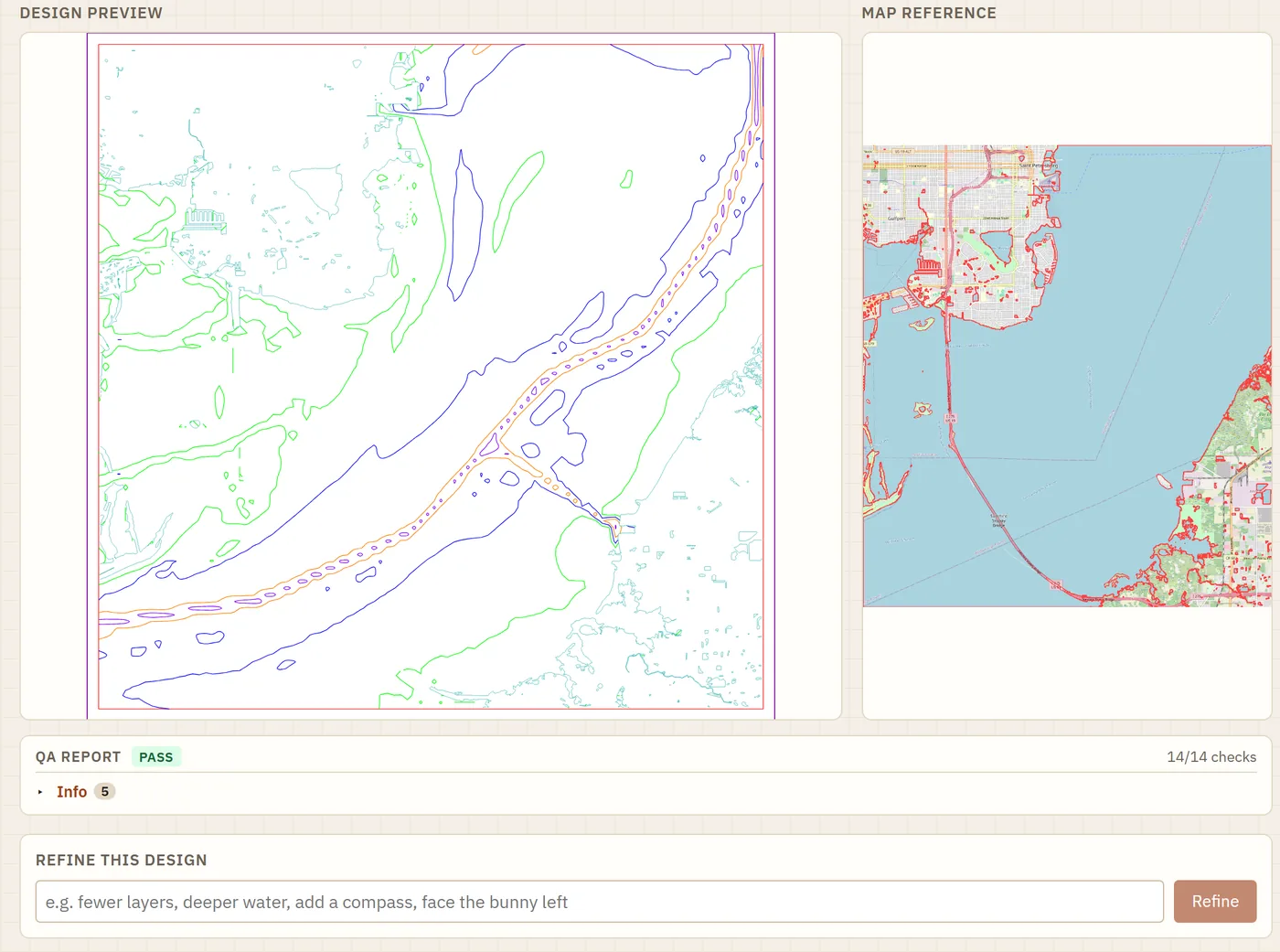
The design appears next to a picture of the area you selected, with the water outlined, so you can see what was treated as water before you cut anything.
Not quite right? Type what to change, such as fewer layers
, deeper water
or add a compass
, and StrataBurn remakes it.
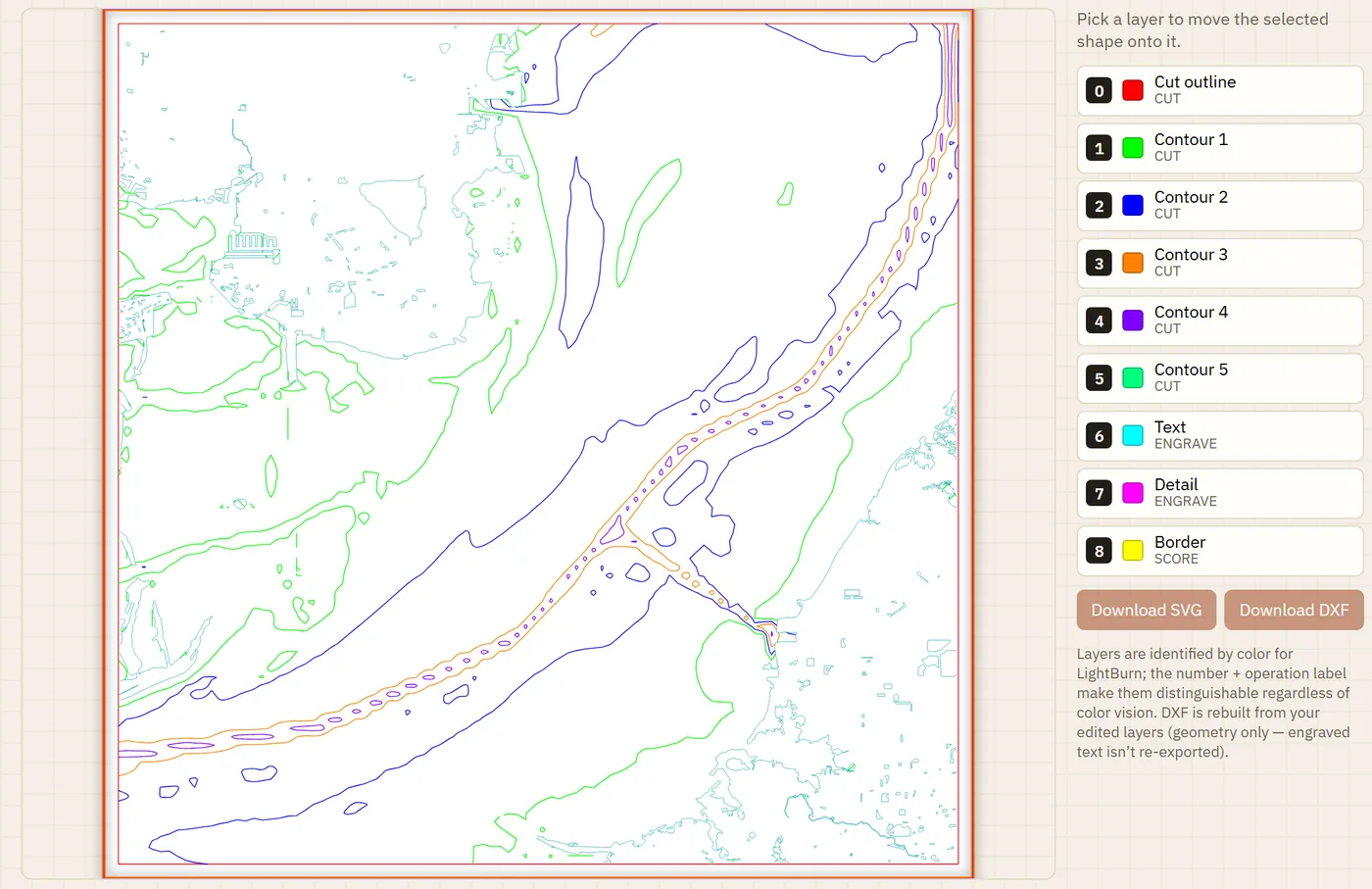
Open the layer editor, click any line or shape, and drop it onto another layer.
Every design comes with the results of its checks, plus which data sources were used and how much of the water they covered.
Big areas take a few minutes. Your design waits in a queue, and a notification (or an email, if you want one) tells you it's ready.
Past designs stay in your history to download again. If one comes out wrong, report it from the download screen.
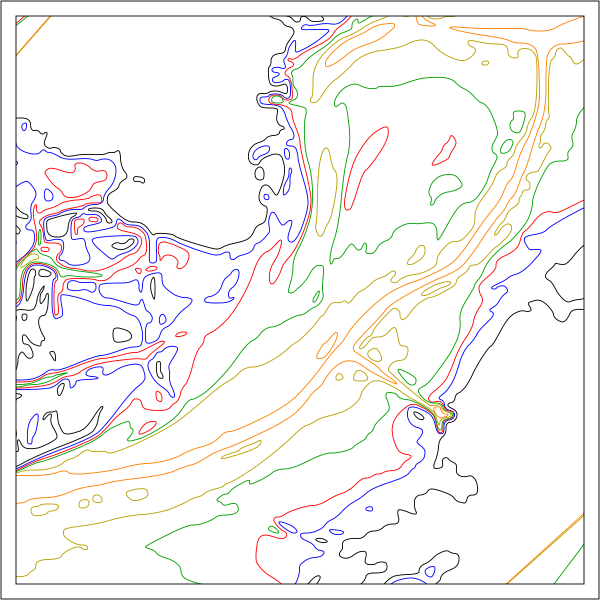
Four finished designs you can cut this weekend, no account needed. Each pack has every layer as an SVG for LightBurn and an .xcs for xTool Creative Space, a build guide with the glue-up order, and a preview of the finished piece. Enter your email and the download starts straight away. We'll also email you once, when StrataBurn opens.
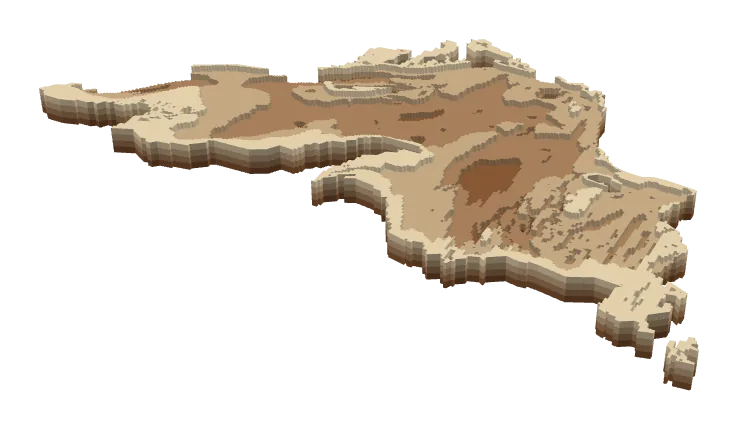
4 layers · 300 × 150 mm · 26 pieces
NOAA Great Lakes bathymetry
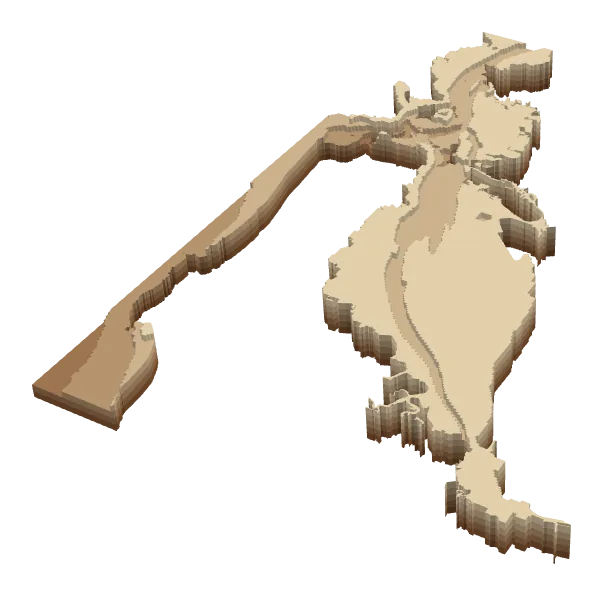
5 layers · 209 × 300 mm · 25 pieces
NOAA coastal elevation models
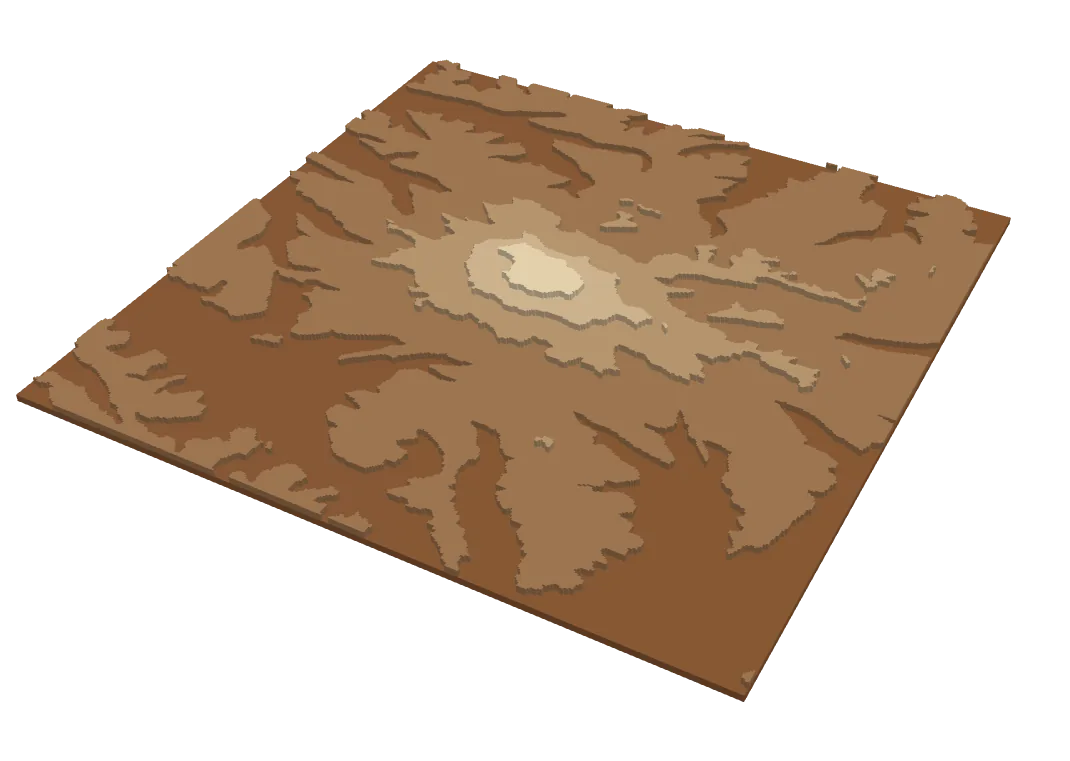
5 layers · 300 × 300 mm · 23 pieces
USGS 3D Elevation Program
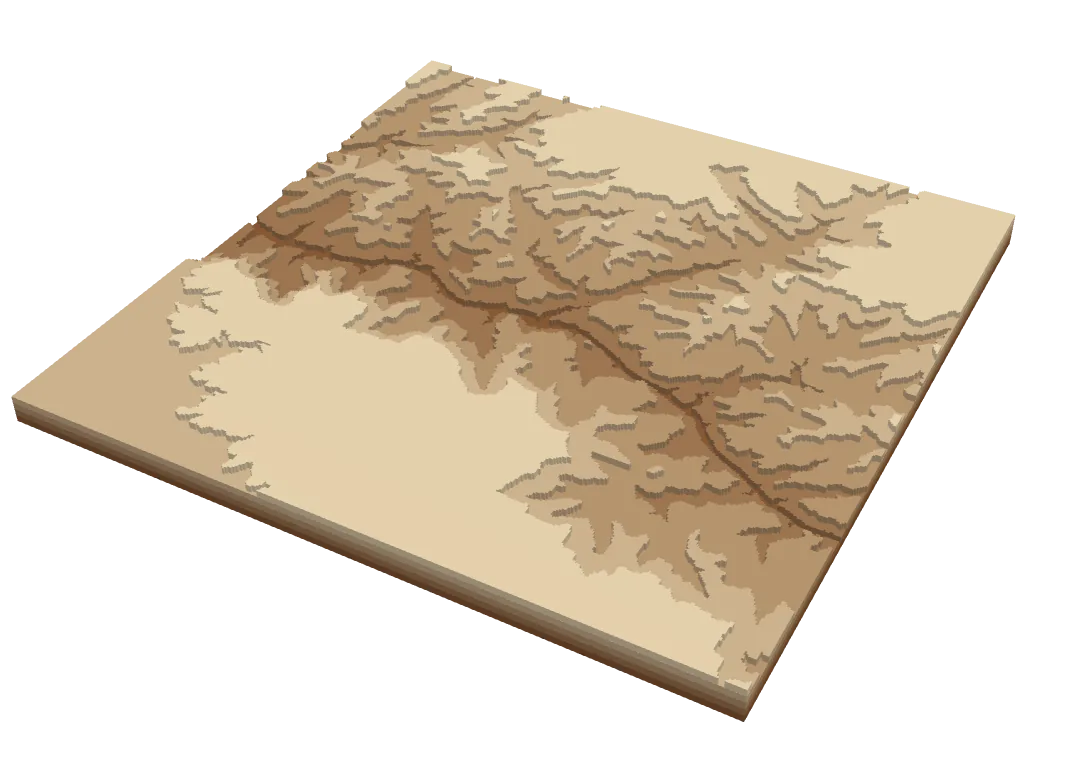
5 layers · 300 × 300 mm · 34 pieces
USGS 3D Elevation Program
Released under CC BY 4.0: cut them, share them, remix them or sell what you make. Just credit StrataBurn.
Moving from LightBurn to an xTool? Our LightBurn to xTool converter turns .lbrn2 projects into .xcs files with the layers intact. Free, open source, and it runs in your browser, so your files are never uploaded.
Every design uses the best source that covers the spot you picked. If only rough data exists there, StrataBurn tells you before you start, not after.
Lake with no survey on file? Give StrataBurn its name and it will look for a published depth chart. Charts it finds are reviewed and added, so the next person to pick that lake gets them too.
Not set yet. When StrataBurn opens you'll be able to pay for a single design when you need one, or join as a member if you make them often. Prices will be posted here before anyone is charged.